Game Play
Basics of the gameplay
In order to save Walt Whitman, players must travel to set locations throughout Brooklyn Heights in search for the missing manuscript copy of Leaves of Grass. Using the main map interface, navigate your character icon (a pulsing blue dot) to the mission icons located throughout Brooklyn Heights. Once you have arrived at a location, tap the icon to interact with characters and undertake simple writing tasks in order to progress through the game. To proceed through these conversations simply follow the on-screen cues. Have fun out there and watch out for SNAKE!
Map Interface
The Map
The map is the primary interface used during gameplay. Your location is marked by a pulsing blue dot which responds to your movements. Using this dot, navigate to the game locations marked by map icons. When tapped, these icons will trigger events and interactions with various game characters. Many of these location icons have a trigger range represented by a grey circle on the map. You must be within this circle in order to interact with these icons. You may find as you near a destination that it is necessary to zoom in on the map in order to gain a more detailed view of an icon’s placement and its trigger range. If your blue player dot is not within range and you attempt to touch an icon, you will receive an onscreen alert informing you of the remaining distance you need to travel.
Hint: Familiarize yourself with the use of “pinch to zoom” finger gestures as you navigate the map.
Map Icons
Located at the top left of the map are three graphic icons:
- Main Menu: The three horizontal lines icon (hamburger menu) gives you access to important mission information and also various tools you will need to complete the game. These items will be covered in more depth in the Mission Files and Geo-Uploads section of the tutorial. You can also return to the map or leave the game through this menu.
- Bullseye: The bullseye icon recenters the game screen on your current location.
- Multi directional arrow: This button frames both your location and the current game destination on the same screen. This is incredibly helpful if you don’t see your destination on the map.
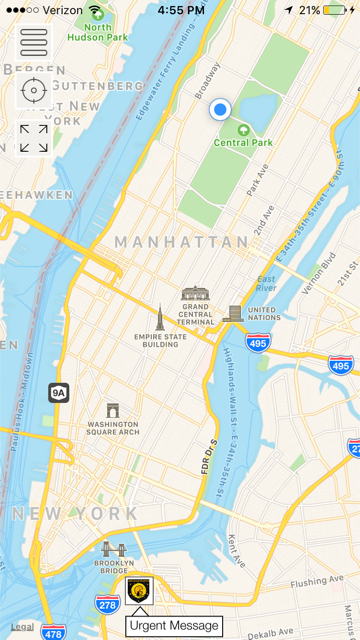
Map interface screen showing the main menu, and player and location icons.
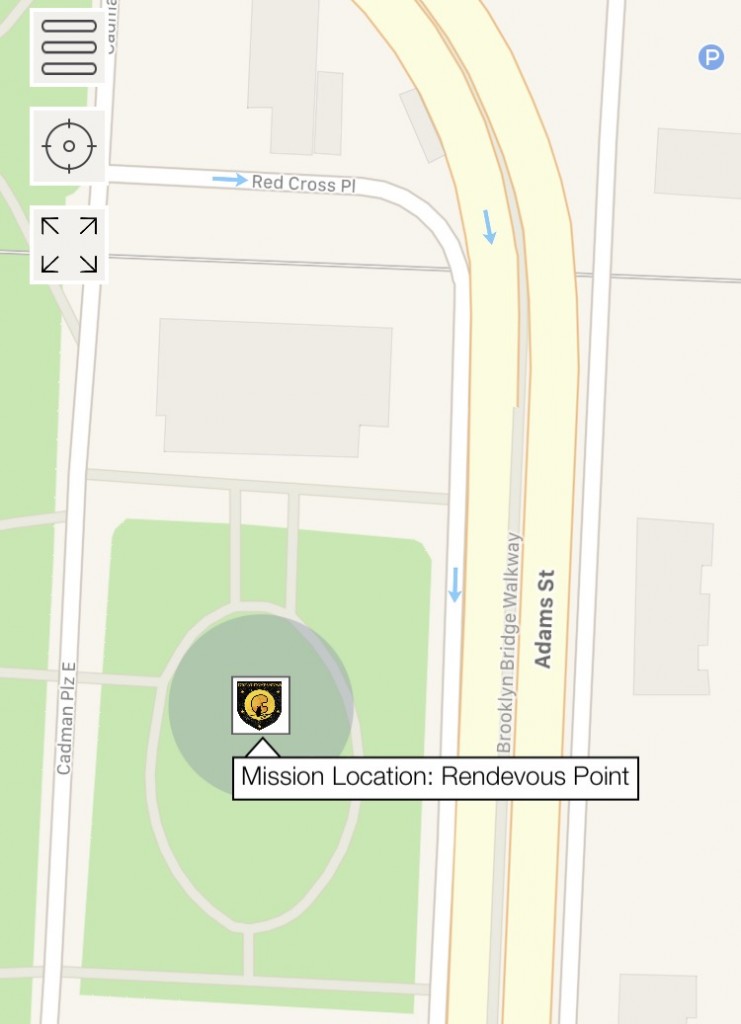
Location with trigger range circle visible
Main Menu / Mission Tools
The main menu or “mission menu” is your essential tool kit during gameplay and also allows you to exit the game. The main menu is accessible from the map screen at any time by touching the three stacked horizontal lines icon.
Map
The map icon will always take you back to the main map interface.
Mission files
Throughout the game you will be receive important information regarding the locations you visit and the people you meet. When you receive a new mission file you will receive an onscreen alert. That file can then be accessed in the mission files section of your game menu at any time.
GeoUploads
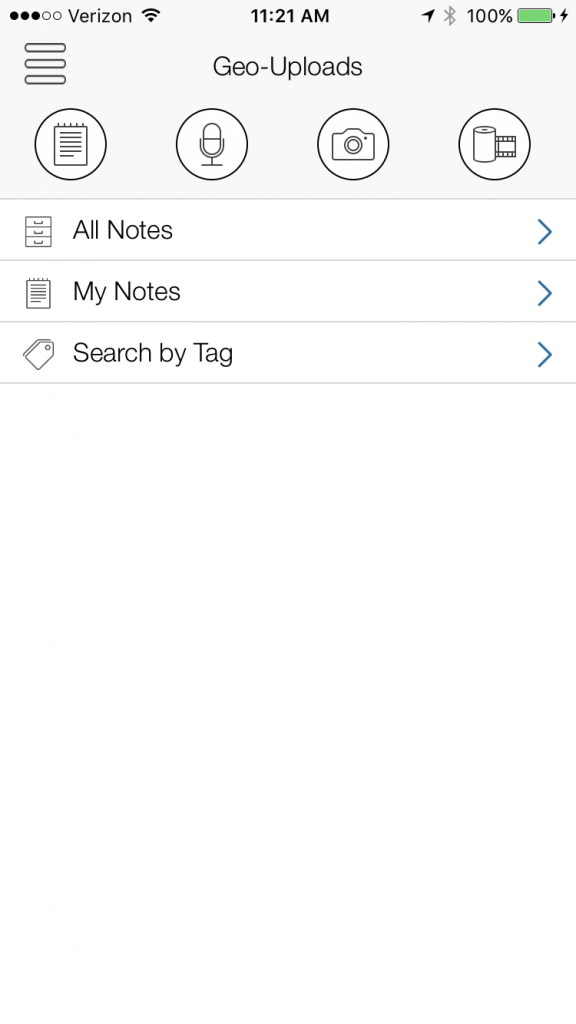
GeoUploads are composing tasks which you must complete in order to advance game’s storyline. There are three types of uploads: text, photo/video, and audio.
Detailed directions about GeoUploads can be found in the GeoUpload brief.
Leave Game
At the bottom of the main menu is an option to leave the game. You can always return and resume your progress.
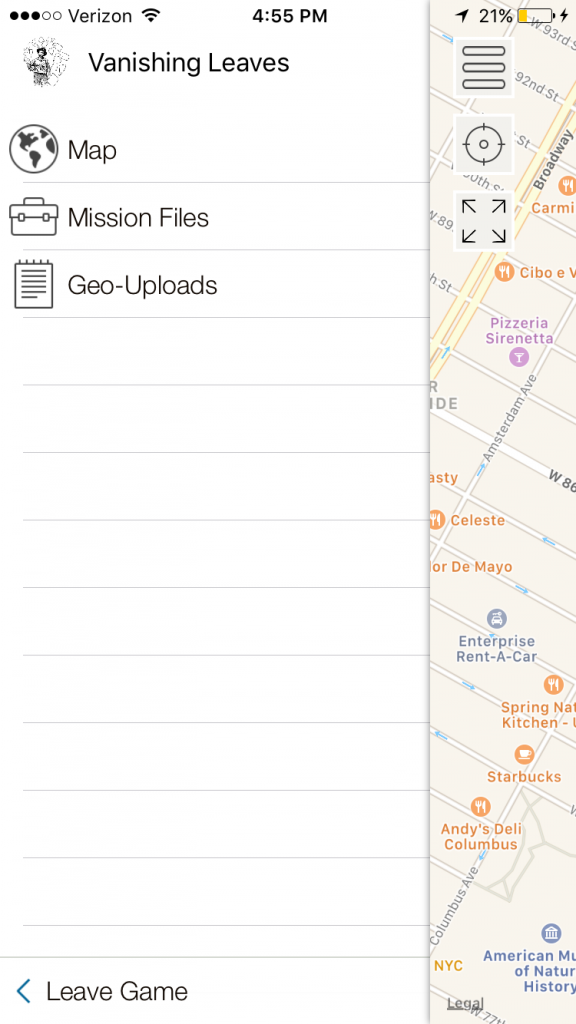
Main Menu
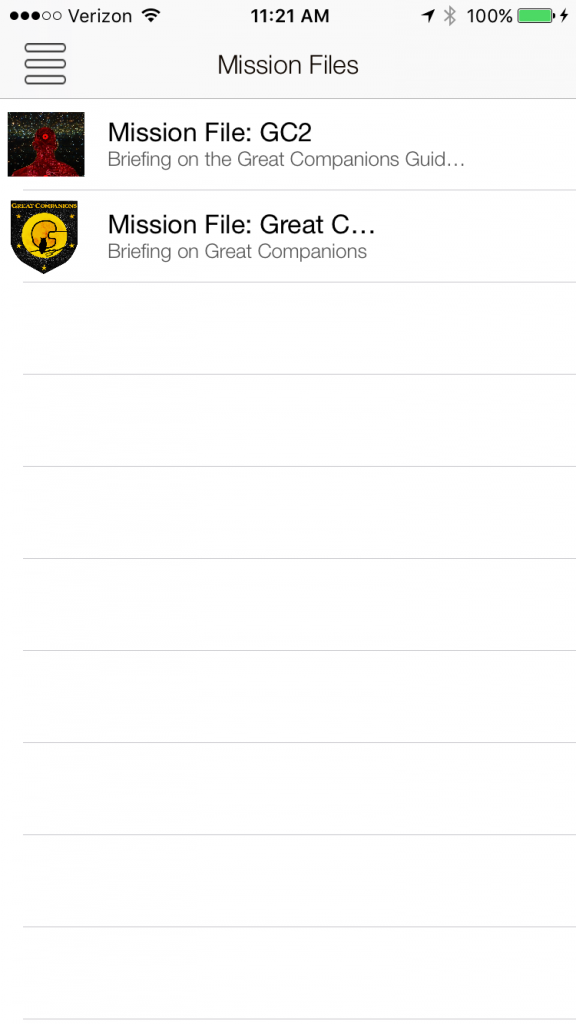
Mission Files Menu